
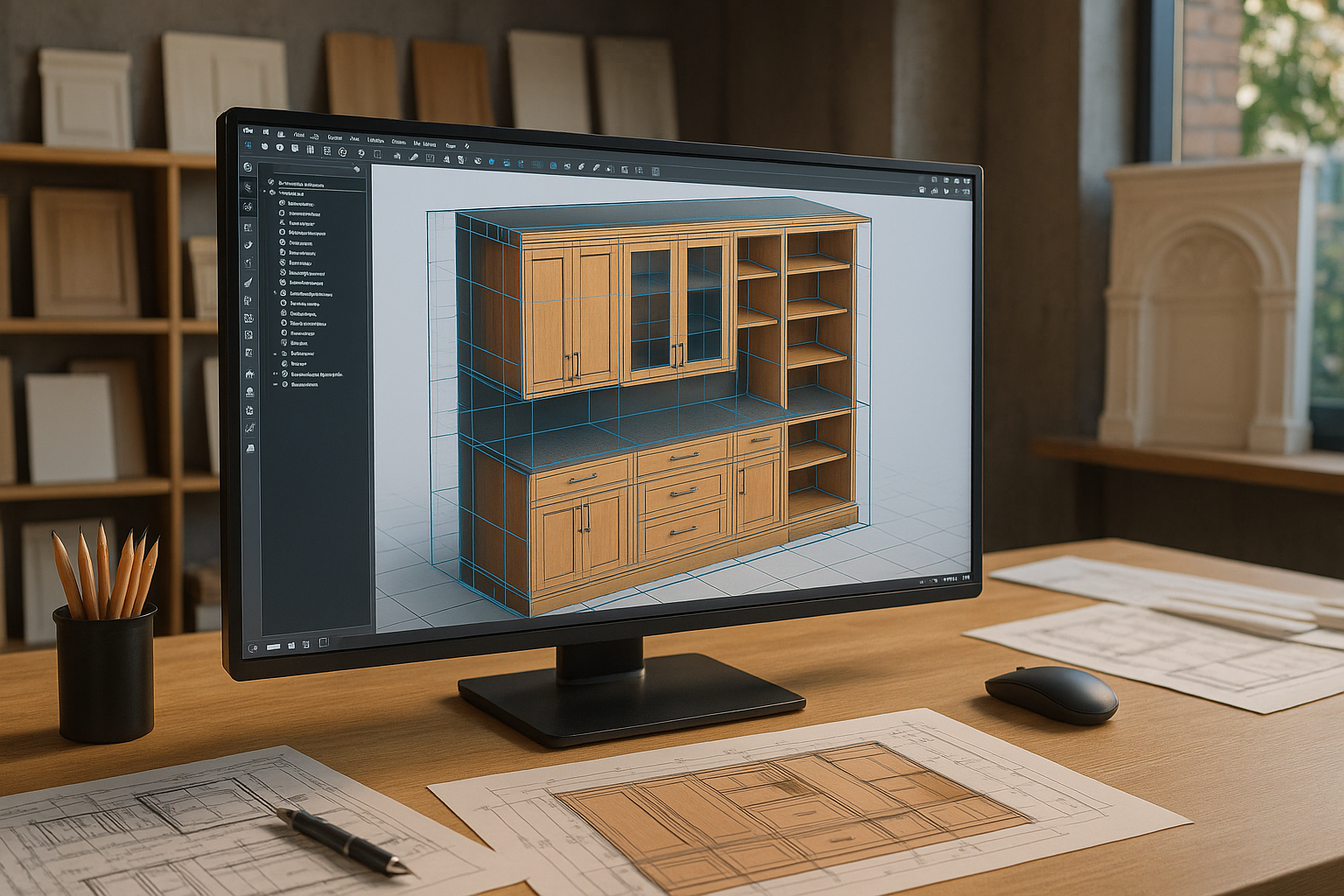
Architectural Millwork Design has always been a world where craftsmanship meets structural precision a delicate dance of creativity and technical discipline. But as projects in the USA and UK grow larger, faster, and more complex, traditional millwork workflows are finding it difficult to keep up. That’s where 3D CAD drafting steps in like a quiet but brilliant conductor, orchestrating clarity, accuracy, and coordination across every stage of architectural woodworking and design.
Today, 3D CAD drafting isn’t just another digital tool; it’s the engine behind a global shift in how construction teams conceptualize, fabricate, and install millwork. Whether you’re a business owner, startup founder, architect, or tech decision-maker, understanding this transformation is key to staying competitive in a rapidly evolving industry.
Why Is 3D CAD Drafting Becoming Essential in Architectural Millwork Design?
3D CAD brings something powerful to millwork: the ability to see, understand, and refine every detail before the first piece of wood is even cut. The USA and UK markets, in particular, are embracing this shift quickly due to rising construction demands, tight scheduling, and the push toward digital construction standards.
A report by the UK government on Construction 2025 shows a strong national focus on 33% cost reduction and 50% faster delivery timelines through digital adoption (UK Government Construction Strategy). Meanwhile, the U.S. construction sector has seen a 7–10% year-over-year increase in the adoption of 3D modeling technologies, according to Dodge Data & Analytics.
Such pressures make digital millwork workflows not only beneficial but vital.
How Does 3D CAD Improve Accuracy in Architectural Millwork Drawings?
Traditional 2D drafting often leaves too much to interpretation, especially with intricate millwork elements like wall paneling, reception desks, mouldings, cabinetry, or bespoke joinery.
Here’s how 3D CAD drafting elevates accuracy:
-
Eliminates ambiguity in joinery, edges, reveals, curves, and profiles
-
Highlights clashes between millwork and MEP, structural, or HVAC systems
-
Ensures exact material thickness and tolerances
-
Auto-generates precise architectural millwork drawings directly from the 3D model
-
Reduces RFIs and field rework, significantly cutting costs
A 2023 Autodesk industry report noted that clash detection through 3D drafting and coordination can reduce rework by up to 40% (Autodesk Construction Cloud). For millwork teams, that translates into fewer site headaches and faster approvals.
Can 3D CAD Drafting Enhance Creativity Without Compromising Precision?
Absolutely and this is where the magic happens.
Architectural woodworking and design often involve organically shaped furniture, custom panel profiles, and unique geometries. 3D CAD drafting allows designers to explore aesthetic possibilities with freedom while ensuring the feasibility of fabrication.
With 3D tools, teams can:
-
Experiment with complex curves and CNC-ready geometry
-
Create life-like material renderings
-
Produce design alternatives with quick iterations
-
Evaluate structural behavior before manufacturing
This harmony between creativity and precision makes 3D CAD an invaluable partner for architects aiming to bring bold, expressive millwork to life.
How Does 3D CAD Improve Collaboration Between Architects, Millwork Shops & Contractors?
Construction is collaborative by nature. One miscommunication detail can ripple into expensive delays. The shift to a digital-first workflow solves this.
Here’s how 3D CAD improves communication:
1. Shared Visual Clarity
Everyone from designer to fabricator speaks the same visual language.
2. Faster Shop Drawing Approvals
3D-based architectural millwork drawings include plan, elevation, section, and exploded views that allow architects and GCs to approve details faster.
3. Better Field Coordination
Teams can simulate site conditions and coordinate with BIM models to avoid physical interference.
4. Real-Time Revisions
Changes are faster and more accurate because they originate from the 3D master model.
A study by FMI and Autodesk found that 62% of rework in construction stems from poor project data and miscommunication (FMI Construction Industry Report). 3D drafting cuts this significantly.
What Role Does 3D CAD Play in Modern CNC and Automated Manufacturing?
CNC machines are the beating heart of modern millwork production and they love clean, precise, machine-ready files.
With accurate 3D models:
-
CNC programming becomes streamlined
-
Tool-paths are generated with minimal human input
-
Complex joinery is cut with precision
-
Waste is reduced
-
Fabrication cycles become faster
For millwork shops in the USA and UK facing labor shortages and rising production costs, this automation is a welcome relief.
How Is Voice Search Influencing Content and Design Workflows in the Millwork Industry?
With more decision-makers using voice search (“Hey Google, how do I improve millwork accuracy?”), AEO-friendly content and conversational design explanations are becoming essential.
Businesses want:
-
Quick, exact answers
-
Human-friendly explanations
-
Clear value propositions
-
Straightforward terminology
3D CAD drafting services that communicate complex technical information in accessible language naturally stand out both on search engines and in client conversations.
What Trends Are Driving the Future of Architectural Millwork Design in the USA & UK?
The millwork ecosystem is changing rapidly. Here are the biggest trends shaping the next decade:
1. Digital Twins for Interiors
Millwork elements will soon plug directly into digital twin environments for FM and asset management.
2. Sustainability & Material Optimization
3D CAD helps calculate material usage and reduce waste a big win as both countries push toward carbon-neutral construction.
3. Cloud-Based Collaboration
Teams share 3D models in real time, review shop drawings virtually, and approve details from anywhere.
4. Integration With BIM Workflows
Millwork components increasingly need to sync with the project’s BIM ecosystem, ensuring coordinated construction and smooth installation.
5. Rise of Prefabrication & Modular Joinery
Manufacturers rely heavily on CNC-ready 3D models to deliver millwork modules that fit accurately onsite.
How Can Businesses Overcome Challenges in Adopting 3D CAD Drafting?
Adoption can feel overwhelming, especially for smaller millwork shops or traditional teams. The main challenges include:
-
Investment in software and training
-
Shifting from 2D to 3D work culture
-
Building in-house digital competence
-
Integrating with BIM on large projects
But the opportunity far outweighs the struggle.
A well-built 3D workflow leads to:
-
Faster approvals
-
Accurate fabrication
-
Reduced rework
-
Stronger client relationships
-
Competitive advantage in bidding
Forward-thinking firms in the USA and UK that embrace these workflows early will be far ahead of the curve.
Why Does 3D CAD Drafting Matter More Now Than Ever?
Because millwork is no longer just beautiful craftsmanship it’s precision engineering. Every curve, grain match, dado, moulding profile, and concealed joint must work flawlessly with modern building systems.
3D CAD drafting becomes the bridge between artistic intent and engineered execution.
It ensures that Architectural Millwork Design is not a guessing game but a digitally orchestrated workflow that brings accuracy, speed, and creativity into perfect alignment.
Conclusion:
The shift toward 3D CAD drafting in architectural millwork and design isn’t slowing down it’s accelerating. As construction demands rise in sophistication, the firms that embrace digital millwork workflows will lead the market in quality, efficiency, collaboration, and client satisfaction.
For UK businesses seeking expert support, partnering with a leading CAD design company that specializes in architectural millwork drawings and 3D drafting can make the transition seamless and future-ready.
With the right digital foundation, millwork manufacturers and design teams can create interiors that feel crafted with artistry yet built with engineering-grade precision.